 Recut
How to generate an image from text with AI
Type a description of the picture you want, such as "a cosy coffee shop on a rainy evening, warm light, shot on 35mm". Recut picks a strong text-to-image model for it, shows the price, and when you press Run puts the image on your timeline, where you can change it in words.
A poster of a lighthouse in a storm, dramatic, painterly, with the words "Hold the light".
Step by step
- Describe the imageSubject, setting, light, style and shape. Say "vertical" or "square" if it matters.
- Let Recut choose, or choose yourselfRecut lists strong text-to-image models first (for example Nano Banana Pro, GPT Image, Seedream, FLUX, Imagen, Ideogram and Recraft) with their prices. Pick another if you prefer.
- Run itPress Run. Ask for several versions to compare, or a different model on the same description.
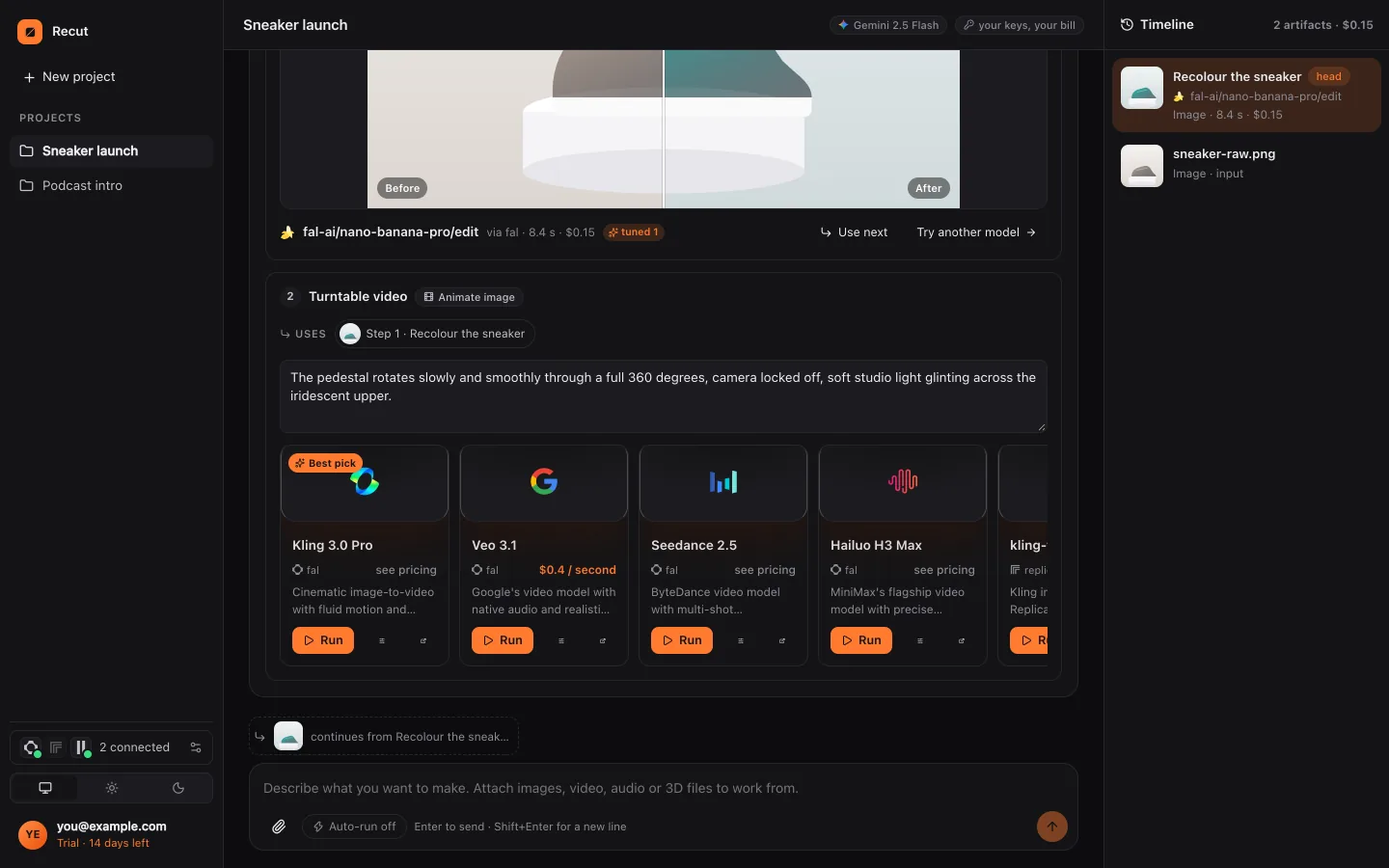
- Keep goingEdit the image in words, upscale it, or turn it into a video clip in the same chat.
What Recut does
Recut doesn't train its own image model. For every request it searches the fal and Replicate catalogues and providers such as Google and OpenAI, ranks the models known to do the job well, and shows each one's price. That way you get the newest models without signing up to each provider.
Recut writes the model's prompt from your words, adding the detail models respond to (composition, light, camera, style) while keeping your meaning.
Tips
- For lettering, ask for a model good at text (Ideogram, GPT Image, Recraft) and keep the words short.
- For a consistent character across images, attach a reference picture and use an editing model.
- Name the shape at the start: square for feeds, 9:16 for Stories, 16:9 for YouTube.
What it doesn't do
- Models garble long text in pictures; keep words short and check the spelling.
- Each image is a model run paid with credits or your own provider account, shown before you run.
Questions
Which AI image generator does Recut use?
Many. It searches fal, Replicate and providers such as Google and OpenAI and ranks strong models first; you can pick any of them.
Can I turn the image into a video?
Yes. Ask Recut to animate it and it uses an image-to-video model.
Can I use the images commercially?
That depends on the model's own licence, which you can check on the provider's page.
Try it on your own photo
Recut runs in your browser, on Mac, Windows and Android. Start a 14-day free trial, attach a file and say what you want.
Open Recut in your browserRelated guides
- How to edit a photo with AI by describing the changeNo sliders or layers: attach a photo, type the change you want, and Recut plans it, picks an image model and shows the price before it runs.
- How to turn a photo into a video with AIAttach a photo, describe the motion, and Recut animates it with an image-to-video model such as Kling, Veo or Seedance, priced before you run.
- How to make a YouTube thumbnail with AIDescribe the thumbnail or attach a frame from your video, and Recut makes a 16:9 image at 1280×720 with an image model, then sizes it for free.
- How to make a video from text with AIDescribe a scene and Recut picks a text-to-video model (Veo, Kling, Seedance, Sora, Wan and more), shows the price, and can build a whole film.