 Recut
How to make a YouTube thumbnail with AI
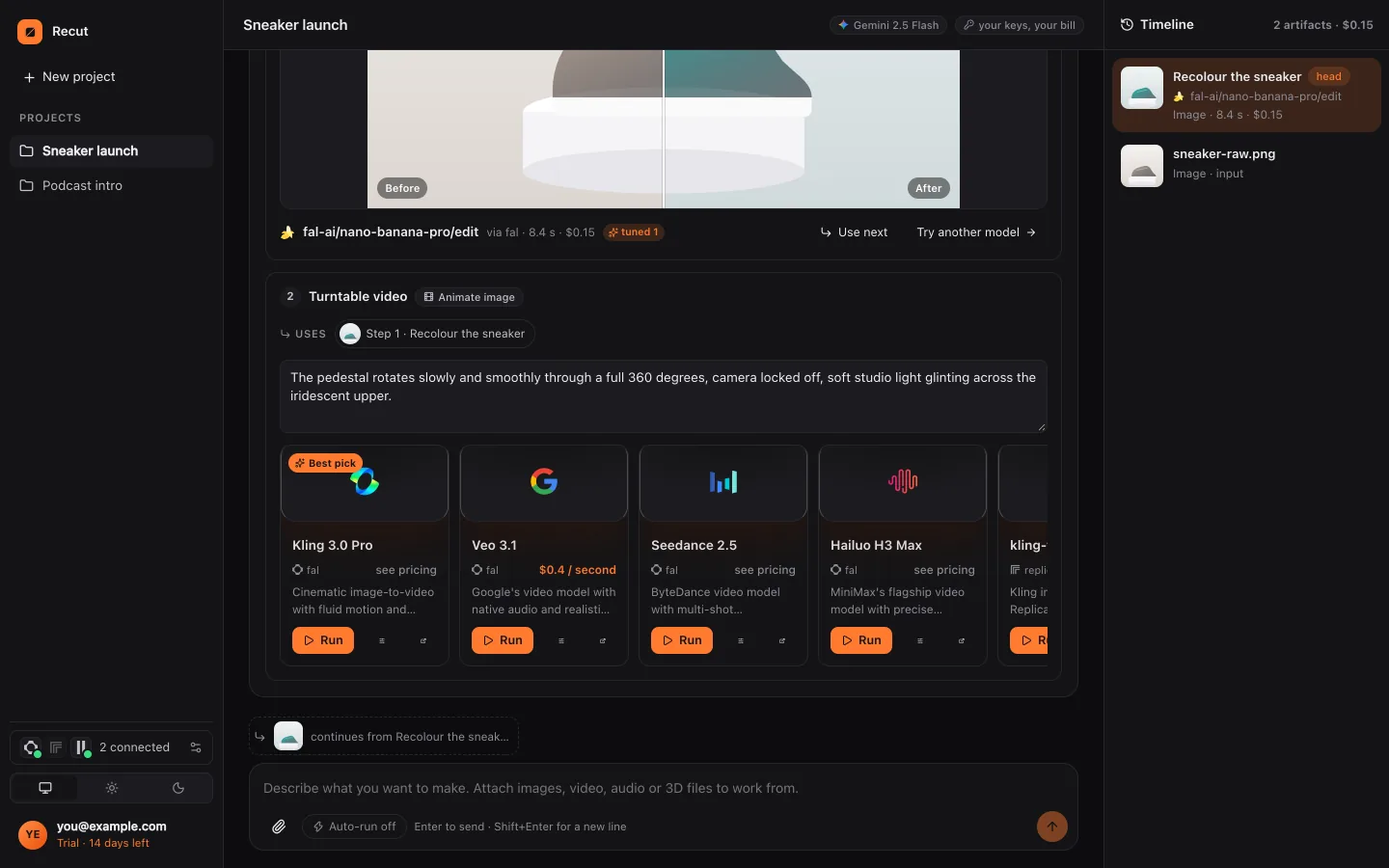
Describe the thumbnail you want, or attach a frame from your video and a photo of yourself, and ask Recut for "a YouTube thumbnail, 16:9". Recut makes the picture with an image model, then crops it to 1280×720 on your device, and you can change it in words until it works.
Make a YouTube thumbnail, 16:9: me looking surprised on the left, a huge glowing laptop on the right, bold words "I QUIT CODING".
Step by step
- Start from your own footageOptional: attach your video and ask Recut to save a frame at a time ("the frame at 0:42"), and attach a photo of your face. Saving a frame is free.
- Describe the thumbnailSay the layout, the expression, the colours and any words. Keep words to three or four.
- Check the planRecut picks an image model, often one known for lettering such as GPT Image, Ideogram or Nano Banana Pro, and shows its price.
- Run, then size itPress Run. Ask for "1280×720" and the crop runs on your device. Ask for variations to test.
What Recut does
A thumbnail is an image job: Recut uses text-to-image models when you describe it from scratch and image-editing models when you give it your own frame or photo to build on. Models that draw lettering well are listed first for designs with words.
Recut's free tools do the rest: saving a frame from a video as an image, cropping to 16:9 and converting to JPG or PNG.
Tips
- One face, one object, three words: busy thumbnails don't read at phone size.
- Ask for two or three versions and pick the clearest at small size.
- Keep the bottom right corner free: YouTube puts the video length there.
What it doesn't do
- Image models can misspell words. Check the lettering, and ask again or try another model if it's wrong.
- Recut doesn't upload the thumbnail to YouTube for you.
- Making the image is a model run with its price shown first; the cropping and converting are free.
Questions
What size is a YouTube thumbnail?
1280×720 pixels (16:9). Ask Recut for that size and it crops on your device.
Can I use a frame from my video?
Yes. Recut saves any frame as an image for free, and an editing model can build the thumbnail from it.
Can AI put text on the thumbnail?
Yes, with models that handle lettering; check the spelling before you use it.
Try it on your own photo
Recut runs in your browser, on Mac, Windows and Android. Start a 14-day free trial, attach a file and say what you want.
Open Recut in your browserRelated guides
- How to save a frame from a video as an imageAsk Recut for the frame at any second, or the first, middle or last frame, and it saves it as a full-quality PNG or a smaller JPG.
- How to generate an image from text with AIDescribe the picture and Recut picks a text-to-image model (Nano Banana Pro, GPT Image, Seedream, FLUX, Imagen and more) and shows its price first.
- How to edit a photo with AI by describing the changeNo sliders or layers: attach a photo, type the change you want, and Recut plans it, picks an image model and shows the price before it runs.
- How to resize an image for Instagram (1:1, 4:5, 9:16)Make a photo square, 4:5 portrait or 9:16 for Stories without stretching: Recut crops or adds bars on your device, free.