 Recut
How to put a Santa hat on your pet's photo (and make it a video)
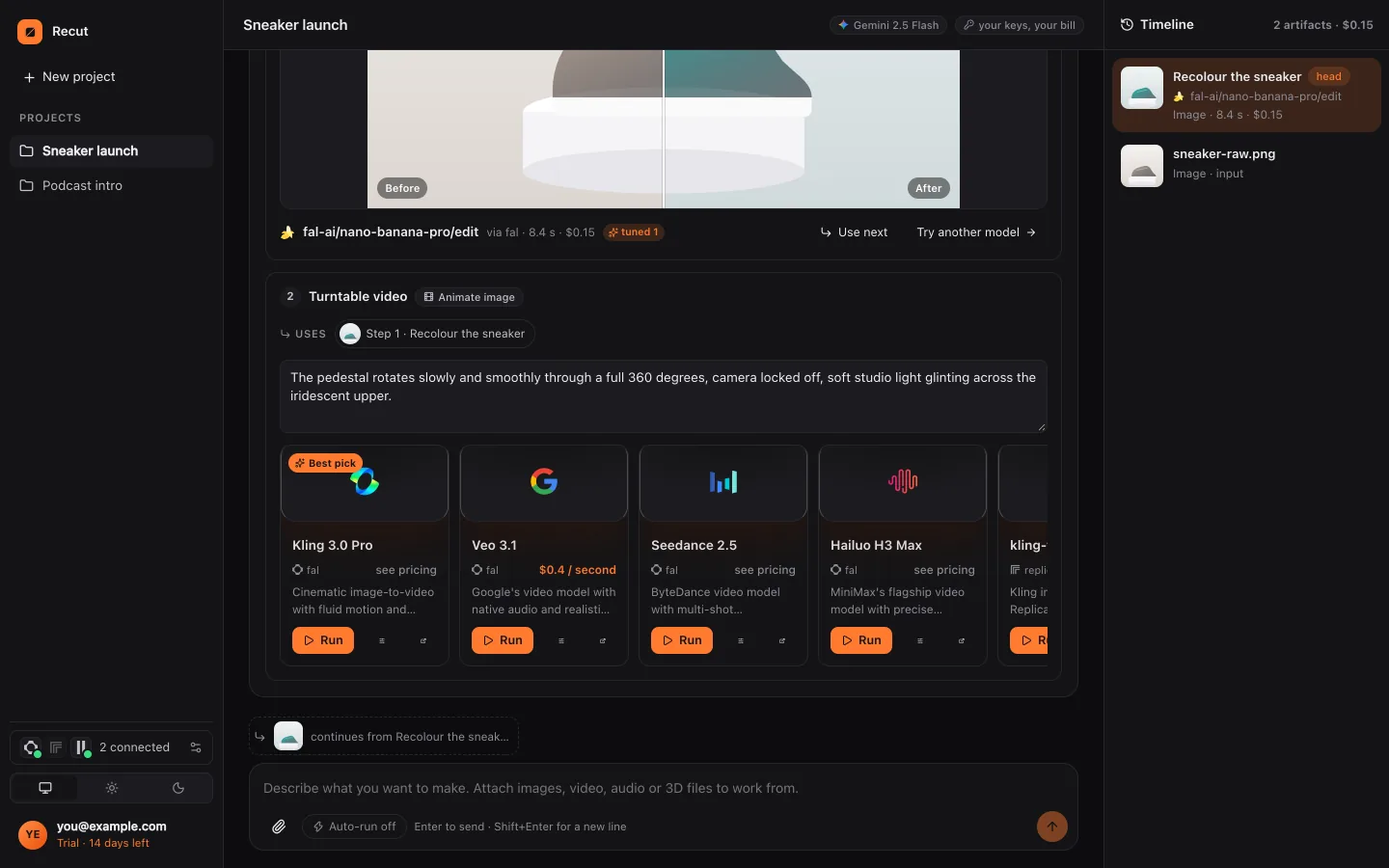
Attach a photo of your pet to Recut and pick the "Pet in a Santa hat" template, or type "put a Santa hat on my dog by a Christmas tree". An image-editing model adds the hat and the scene and keeps your pet's face, fur and markings. A second step can turn the picture into a 5-second video where your pet looks up at the camera.
Put a red Santa hat on my dog and sit him by a decorated Christmas tree with wrapped gifts, snow outside the window. Keep him exactly as he is. Then a 5-second vertical video where he tilts his head.
Step by step
- Attach the photoStart a project in Recut and add a photo with one pet, clearly seen.
- Pick Pet in a Santa hatOpen Templates, choose "Pet in a Santa hat" and type your pet's name. The name goes into the caption, such as "Merry Christmas from Biscuit".
- Check the plan and its priceThe plan has the Santa hat picture, the video, the fit for your platform and the caption. The picture and the video are model steps with a price; the rest is free.
- Run it and share itPress Run and save the result. If you only want the picture, say so and Recut leaves the video step out.
What Recut does
The first step is an image edit: the model keeps your pet and redraws what is around it, adding the hat, a decorated tree, gifts and snow outside the window.
The second step is image to video. It starts from the edited picture and adds motion: a head tilt and twinkling tree lights.
On 19 November 2026 we ran this on a photo of a cockapoo with a request to keep it cheap. Recut planned 2 credits for the picture and 19 for the video.
Tips
- Use a photo taken at your pet's eye level with the whole head in frame, so the hat has somewhere to sit.
- Say the breed or colour if the photo is dark: "my black cat" helps the model keep the fur right.
- Ask for extras in the same chat: "add reindeer antlers instead" or "make a square one for the family group chat".
What it doesn't do
- One pet per photo works best. With two pets, say which one gets the hat, and expect a retry.
- The model can change a collar, a tag or a marking. Compare with the original before you post.
- Model steps use Recut credits. The Christmas templates stay in the gallery until 1 January 2027; the typed request works all year.
Questions
Does it work for cats as well as dogs?
Yes. It works from any clear photo of one pet.
Is my pet's face changed?
The request tells the model to keep the face, fur, colour and markings. Check the result against your photo.
Can I print the picture on a card?
Yes. Save the picture, and ask Recut to upscale it first if you need it larger for print.
Try it on your own photo
Recut runs in your browser, on Mac, Windows and Android. Start a 14-day free trial, attach a file and say what you want.
Open Recut in your browserRelated guides
- How to make an animated Christmas card video from a photoTurn a family, team or pet photo into a moving Christmas card: snow falls, lights twinkle, and a greeting card closes it. One photo, one request.
- How to make a funny Christmas video from a friend's photoTurn someone's photo into the Christmas grump: nightcap, dressing gown, a scowl at the tinsel, then a smile. One photo and one sentence in Recut.
- How to turn a photo into a video with AIAttach a photo, describe the motion, and Recut animates it with an image-to-video model such as Kling, Veo or Seedance, priced before you run.
- How to change the background of a photo with AIDescribe the new background and Recut uses an image-editing model to put your subject there, keeping the person or product as it was.