 Recut
How to change the background of a photo with AI
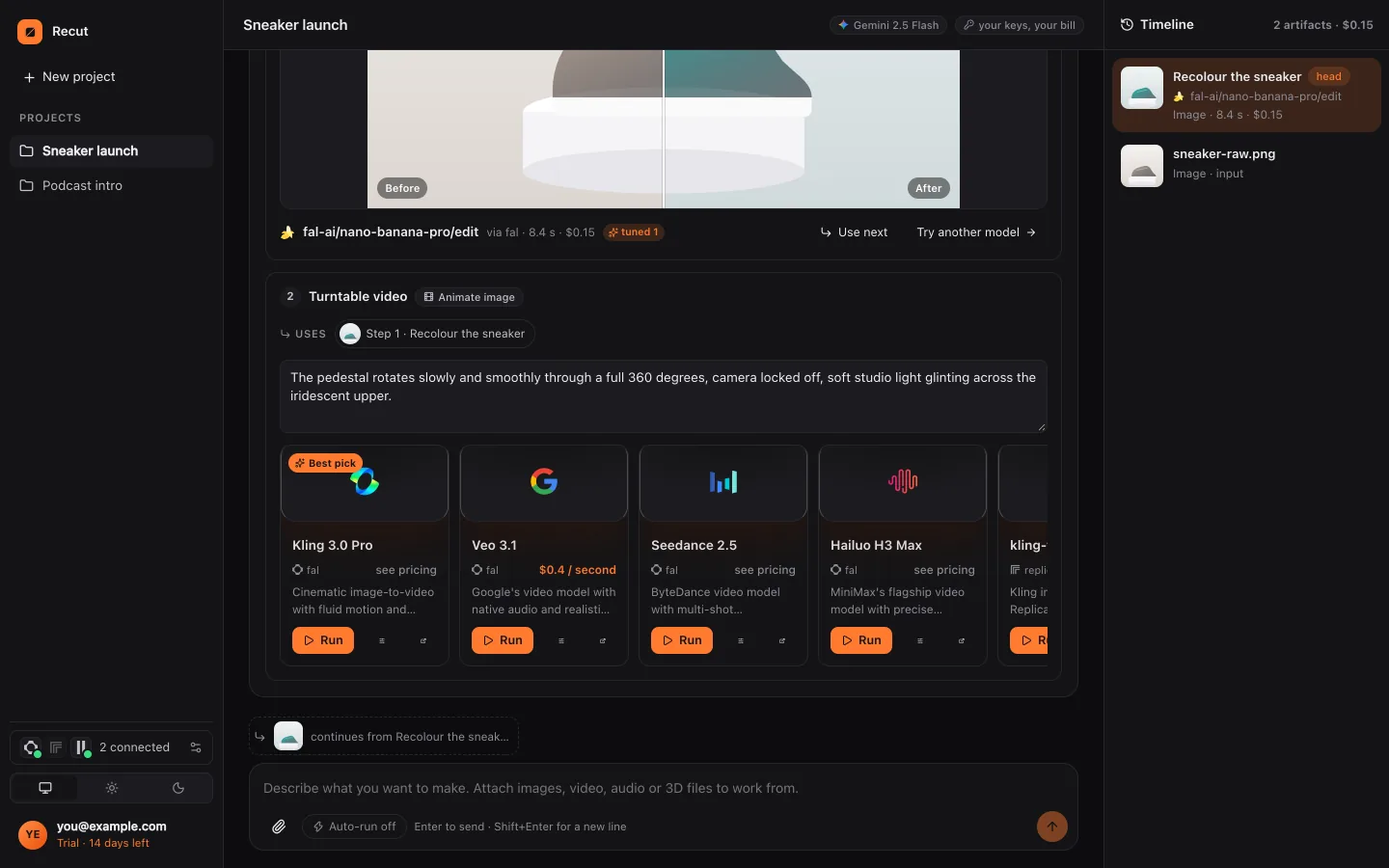
Attach the photo and describe the new background, for example "put her on a beach at sunset" or "put the bottle on a marble counter". Recut uses an image-editing model, such as Nano Banana Pro, GPT Image or FLUX Kontext, to replace the scene while keeping your subject, and shows the price before it runs.
Change the background to a bright, clean kitchen. Keep the bottle exactly as it is.
Step by step
- Attach the photoAdd the photo of the person or product to a Recut project.
- Describe the new backgroundSay where the subject should be, the light and the mood: "a white studio", "a busy street in Tokyo at night", "plain light grey". Add "keep the face exactly the same" or "keep the label readable" for what must not change.
- Compare models if you likeRecut picks a strong image-editing model and shows its price; you can switch to another one in the plan or ask for two versions to compare.
- Run and refinePress Run, then ask for changes in words: "warmer light", "less blur behind her", "move the bottle to the left". Each version stays on the timeline.
What Recut does
Editing models take your photo and an instruction and repaint what you ask for, keeping the rest. Recut writes the instruction to the model for you, including what must stay unchanged, because these models follow a clear, specific prompt best.
If you only need a plain colour behind the subject, Recut can cut the subject out with a background-removal model first and then place it on the colour, which keeps the subject's pixels exactly as they were.
For product photos, the same request can go on to make a set of images in different settings, or a short video ad from the new picture.
Tips
- Say what should stay the same as clearly as what should change. "Keep the face, hair and clothes exactly as they are" helps a lot.
- Match the light: a subject shot indoors looks odd in harsh midday sun. Ask for "soft window light" or "overcast" if the original is soft.
- For a white e-commerce background, ask for "pure white, no shadow" or "white with a soft shadow".
What it doesn't do
- Image-editing models can change small details such as text on a label or the shape of jewellery. Check the result closely and keep the original.
- Recut doesn't promise that a person looks identical in every version; ask it to keep the face and compare before using the image.
- Each edit is a model run with a price shown before you run it.
Questions
Can I change a photo's background for free?
Recut's free steps (crop, pad, resize, convert) run on your device. Making a new background needs an AI model, which costs credits, shown before you run.
Will my product change?
Recut tells the model to keep it as it is, and most models do; small text and fine detail can still shift, so check the result.
Can I get a plain white background?
Yes. Ask for pure white; Recut can also cut the subject out first and place it on white.
Try it on your own photo
Recut runs in your browser, on Mac, Windows and Android. Start a 14-day free trial, attach a file and say what you want.
Open Recut in your browserRelated guides
- How to remove the background from a photoAttach a photo, type "remove the background" and Recut cuts out the subject onto a transparent PNG with a background-removal model.
- How to edit a photo with AI by describing the changeNo sliders or layers: attach a photo, type the change you want, and Recut plans it, picks an image model and shows the price before it runs.
- How to make a product video ad from one photoRecut's Product shot to ad template turns one product photo into three lifestyle shots and a captioned hero video with an end card.
- How to remove an object or person from a photoSay what to take out (a bin, a stranger, a power line) and Recut uses an image-editing model to remove it and fill the gap to match.