 Recut
How to edit videos: a simple guide for beginners
Most videos need the same seven edits, in this order: trim the start and end, cut out the pauses, join the clips, add captions, fix the colour, add music, and export for where you're posting. In Recut you can ask for all seven in one message, such as "trim, remove silences, captions, warm grade, soft music, export for TikTok", and it plans and runs them for you.
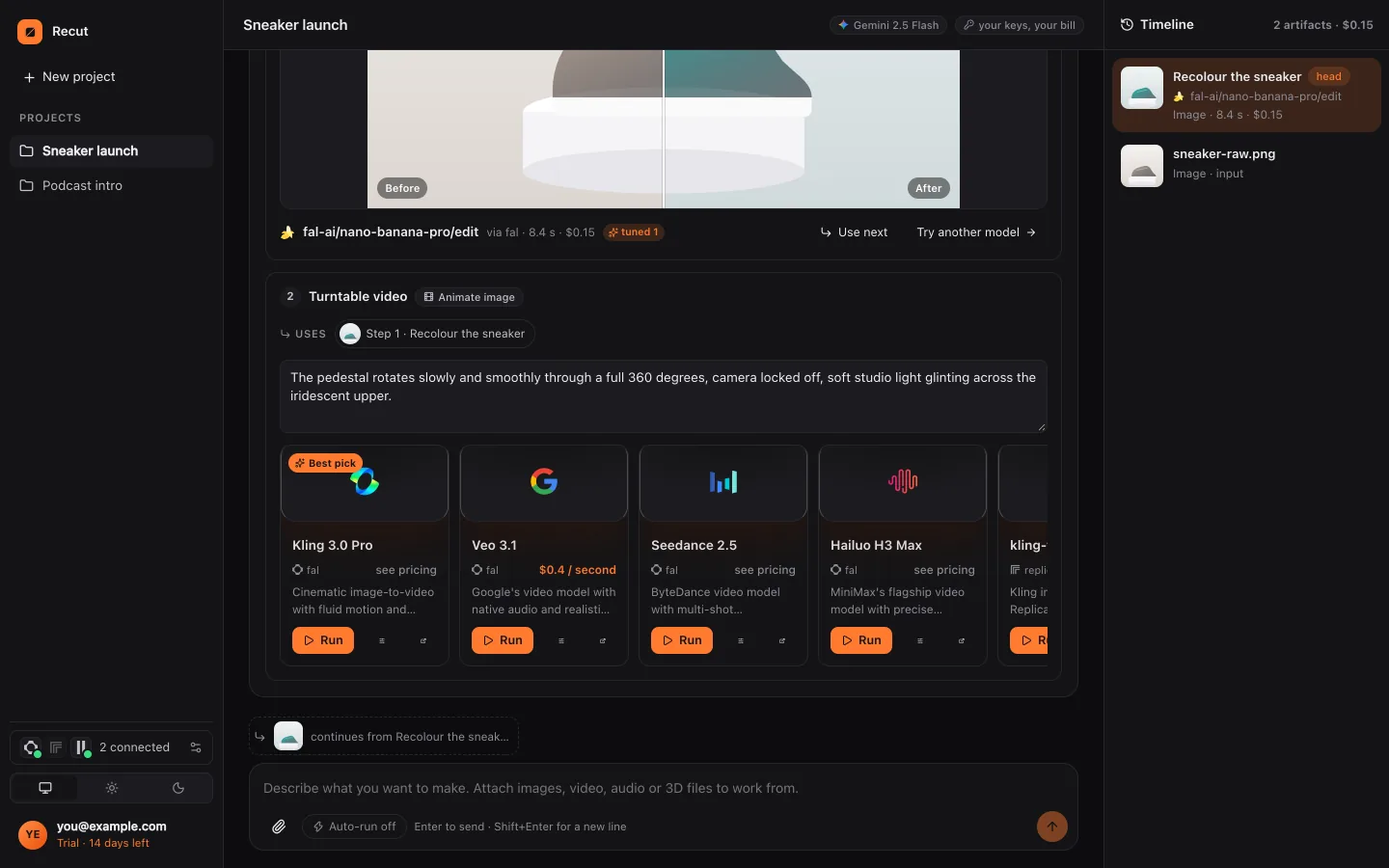
Watch it done: Get started with Recut (1:01).
Trim the first 3 seconds, remove the silences, add captions, a warm grade, soft music at 20% and export for TikTok.
Step by step
- Trim the start and endCut the moment before you start talking and after you finish. Ask: "cut the first 3 seconds and the last 2".
- Cut out the pausesJump cuts keep a talking video moving. Ask: "remove the silences".
- Join your clipsPut several clips in order, with or without crossfades. Ask: "join these in order with half-second crossfades".
- Add captionsMost people watch with the sound off. Ask: "add captions, four words at a time".
- Fix the colourA light grade makes footage look finished. Ask: "a warm, subtle grade".
- Add musicKeep it under the voice. Ask: "add this song at 20% and fade it out".
- Export for the platformEach app has its own frame and loudness. Ask: "export for TikTok".
What Recut does
Every one of those seven edits runs on your own device in Recut, with no model and no cost, apart from timing captions to speech, which uses a low-cost transcription model. Recut shows the plan before anything runs.
Once the basics are done, you can add the extras that used to need a professional: a voiceover in a natural voice, dubbing into another language, sound effects, a title and end card, or new shots made from text or photos with AI video models, each with its price shown first.
Tips
- Hook in the first two seconds: start on the most interesting moment, then explain.
- Shorter is almost always better for social video. Cut anything that doesn't move the story on.
- Watch the result once on your phone with the sound off before posting.
What it doesn't do
- Recut doesn't choose the best takes or highlights from long footage for you; tell it which parts to keep.
- There's no manual timeline: you edit by asking, and every version is kept.
Questions
What's the easiest way to edit a video?
Describe the finished video in plain words and let an AI agent like Recut plan and run the edits.
What order should I edit in?
Trim, remove pauses, join, captions, colour, music, then export for the platform.
Can I edit videos on my phone?
Yes. Recut works in any phone browser and in its Android app.
Try it on your own video
Recut runs in your browser, on Mac, Windows and Android. Start a 14-day free trial, attach a file and say what you want.
Open Recut in your browserRelated guides
- How to edit a video with AI by describing what you wantTell Recut the edit in plain words (trim, captions, grade, music, export) and its agent plans the steps, runs them and shows any cost first.
- How to trim the start or end of a videoTell Recut the times to keep, or say "cut before the first words", and it trims the video on your device in seconds, with no upload to an editor.
- How to remove silences from a video automaticallyRecut finds every pause quieter than a threshold and cuts it out, keeping a little padding so words aren't clipped. Runs on your device, free.
- How to resize a video for TikTok, Reels and ShortsAsk Recut to export a video for TikTok, Instagram Reels or YouTube Shorts: a 9:16 frame at 1080×1920, 30 fps and even loudness.