 Recut
How to edit a video with AI by describing what you want
Attach your footage to Recut and describe the finished video: "cut out the pauses, add captions, a warm grade, quiet music under it, and export it for TikTok". Recut's AI agent turns that into a plan of steps, runs the editing steps on your own device for free, uses AI models only where they're needed with the price shown first, and keeps every version so you can change any step by asking.
Watch it done: Recut: the complete guide (6:06).
Remove the silences, add big captions in the middle, give it a warm grade, add calm music at 20% and export it for Reels.
Step by step
- Attach your clipsFootage, photos, a logo, a song: whatever the video needs.
- Describe the resultWrite it like a brief to an editor. One message can cover many steps.
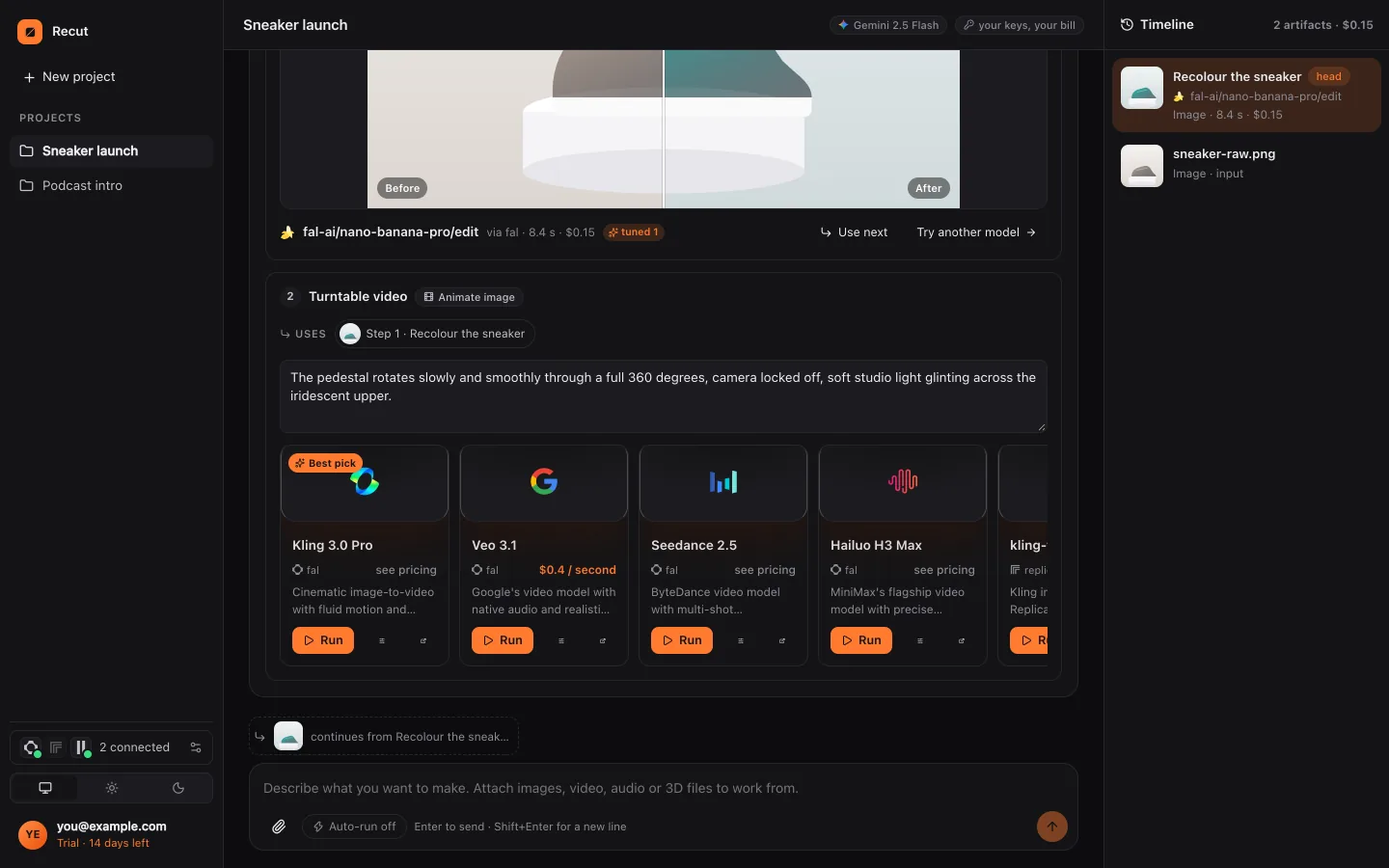
- Check the planRecut shows each step, which run free on your device (trim, join, silences, captions, grade, resize, export) and which use a model (voiceover, dubbing, upscaling, generated clips), with prices. Nothing runs until you press Run.
- Change anything by asking"Captions smaller", "swap the music", "make it 30 seconds". Recut redoes only the steps that change.
What Recut does
Recut is an AI creative agent, not a timeline editor. Its device tools cover trimming, joining, speed, removing silences, colour grades, captions, title cards, logos, resizing, platform exports, mixing sound and custom ffmpeg edits such as reverse, picture in picture, split screen, crossfades, freeze frames and green-screen keys.
For generative steps it searches fal, Replicate and providers such as ElevenLabs, Google and OpenAI for the right model: voiceovers, music, sound effects, dubbing, lip sync, upscaling, and new clips from text or photos. Each step's model and price are shown, and you can pick another.
It runs in the browser, on Mac and Windows, and in the Android app, with every result kept on a timeline.
Tips
- Say the platform at the start (TikTok, YouTube, LinkedIn): Recut sets the frame, length and loudness at the end.
- Order matters: silences out first, then captions, then the export.
- Templates such as product ad, captions on a talking clip and colour grade are ready-made plans you can fill in.
What it doesn't do
- There's no manual timeline for dragging clips frame by frame; you edit by asking.
- Recut doesn't pick the best moments of a long video by itself, or remove filler words.
- Moving-subject tracking (a crop or blur that follows a face) isn't available.
Questions
Is Recut a free video editor?
Its editing steps (trim, join, silences, captions, grade, resize, export) run on your device without model costs. Plans start with a 14-day free trial; generative steps use credits, shown before you run.
Do I need editing experience?
No. You describe the result; Recut plans and runs the steps and explains what it did.
Does it work on a phone?
Yes, in any phone browser and in the Android app.
Try it on your own video
Recut runs in your browser, on Mac, Windows and Android. Start a 14-day free trial, attach a file and say what you want.
Open Recut in your browserRelated guides
- How to edit videos: a simple guide for beginnersThe seven edits most videos need, in order: trim, cut pauses, join, captions, colour, music and export, and how to do each one by asking Recut.
- How to remove silences from a video automaticallyRecut finds every pause quieter than a threshold and cuts it out, keeping a little padding so words aren't clipped. Runs on your device, free.
- How to add captions to a video automaticallyAttach a video, type "add captions" and Recut times each word to the speech and burns captions in, styled to read on a phone.
- How to color grade a video (cinematic, warm, film)Give footage a cinematic teal-and-orange, warm, cool, film, moody or vivid look on your device: Recut grades every frame as shot, free.